AI headshot generator: what it can and can't do for you
An honest look at AI headshot generators, including what a single-photo edit can do, where dedicated multi-photo tools pull ahead, and how to try it.
By AiFevo Team ·
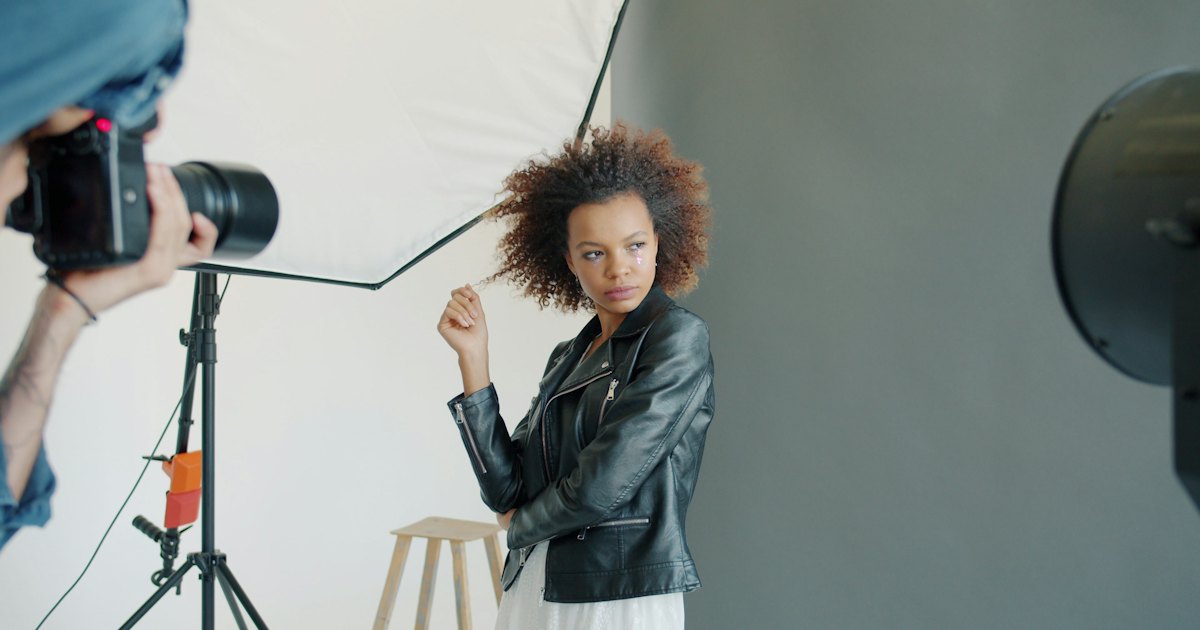
Quick answer: An AI headshot generator turns a casual photo into something closer to a professional portrait: a clean studio background, better lighting, a more polished look. A single-photo tool like AiFevo's Image Studio can do this well for one photo at a time. Dedicated multi-photo headshot apps that train on several pictures of your face often produce more consistent, varied results, which is a real advantage worth knowing about.
An AI headshot generator turns a casual photo into something closer to a professional portrait: a clean studio background, better lighting, a more polished look. A single-photo tool like AiFevo’s Image Studio can do this well for one photo at a time. Dedicated multi-photo headshot apps that train on several pictures of your face often produce more consistent, varied results across several poses, which is a real advantage worth knowing about before you pick a tool.
Two different approaches to AI headshots
It’s worth understanding the difference upfront, so you choose the right tool for what you actually need.
Single-photo editing takes one photo you already have and changes it: swapping the background for a clean studio look, adjusting lighting, or applying a more polished style. This is fast, needs only one photo, and works well when you already have a reasonably good shot to start from.
Multi-photo training asks you to upload several photos of yourself, builds a model of your face from them, and then generates new portraits in various poses and settings. This can produce a wider range of results and sometimes a more convincing likeness across different angles, but it takes longer, needs more photos, and the realism can vary by provider.
AiFevo’s Image Studio is the first kind: you upload one photo and describe the change you want.
Using Image Studio for a headshot
Start with a decent photo: reasonably sharp, good lighting, facing roughly toward the camera. In Image Studio, tap the plus button to upload it, then describe the edit:
“Replace the background with a clean, neutral grey studio backdrop. Keep my face and expression exactly as they are, improve the lighting slightly.”
If the first result isn’t quite right, describe exactly what to change rather than starting over:
“Make the lighting a bit warmer and brighter, keep everything else the same.”
You can also start from a portrait template in Image Studio’s Templates page, which applies a studio-style look for you, and add your photo when it asks for one.
What to expect, honestly
A single-photo edit is genuinely useful for quickly improving an existing photo’s background and lighting, which covers a lot of what people actually want from a headshot generator: a professional-looking profile picture without booking a photographer. What it won’t do is invent a convincing new pose or angle you didn’t photograph, since it’s editing the photo you gave it, not building a new model of your face. If you need several different poses or expressions from one session, a dedicated multi-photo headshot tool is the better fit for that specific need.
Side by side
| Single-photo editing (AiFevo) | Multi-photo headshot apps | |
|---|---|---|
| Photos needed | One | Several, often 10 or more |
| Speed | Fast, usually under a minute | Often slower, a training step is involved |
| Best for | Improving an existing photo’s background and light | Generating several new poses and looks |
| Consistency across poses | Limited to your original photo’s pose | Can vary pose while keeping your likeness |
Getting a good starting photo
The better your starting photo, the better the edit. Good lighting (even outdoor daylight works), a reasonably sharp focus and a neutral or simple background all help. If your only option is a slightly cluttered background, that’s exactly the kind of problem single-photo editing solves well, since replacing the background is one of its most reliable edits. For more on writing prompts that get you closer on the first try, see our full AI image generator guide.
Common headshot edits and how to ask for them
| What you want | How to describe it |
|---|---|
| Studio background | “Replace the background with a neutral grey studio backdrop” |
| Outdoor, professional look | “Replace the background with a softly blurred office or outdoor scene” |
| Better lighting | “Even out the lighting on my face, remove harsh shadows” |
| More formal tone | “Keep everything the same, but make the overall feel more formal and polished” |
| Black and white version | “Convert this to a clean black and white portrait” |
Where a photographer still has the edge
Honest as it’s worth being: a skilled photographer brings things a single-photo edit can’t, posing guidance in the moment, multiple natural expressions captured in sequence, and lighting set up specifically for your face rather than approximated afterward. If a headshot is going somewhere high-stakes, a company leadership page, a book jacket, a professional portfolio, a real photo session is still worth the investment. AI editing is at its best for the more common, lower-stakes case: a LinkedIn profile picture, a quick team page update, or a placeholder while you arrange something more formal.
Frequently asked questions
Can AiFevo generate a headshot from scratch without my photo?
Image Studio can generate a portrait-style image from a text description alone, but for an actual headshot of you, uploading your own photo and editing it gives a far more accurate result than describing yourself in words.
Will the edited photo still look like me?
Yes, since you’re editing your actual photo rather than generating a new face. The background, lighting and style can change, but your features come from the original image, which keeps the likeness accurate.
How many tries does it usually take to get a good result?
It varies, but describing one specific change at a time, rather than several at once, usually gets you there faster, since you can tell exactly what worked and what didn’t after each attempt.
Can I make headshots in different sizes for different platforms?
Yes, Image Studio lets you choose a shape before generating, including square for profile pictures. Pick the shape that matches where the photo is going.
Is this included on AiFevo’s free plan?
Image Studio, including photo editing, is included on AiFevo’s Starter and Pro plans. The Free plan covers chat with a daily message allowance.
Try it with your own photo
Upload a photo you already have and describe the background and lighting you want. Start free on AiFevo, and move to a plan with Image Studio when you’re ready to create. See AI photo editor for more editing prompts, the AI image generator guide for creating pictures from scratch, AI logo generator if you need brand visuals too, and pricing for plan details.